
Last updated November 15, 2026
 Wrought iron
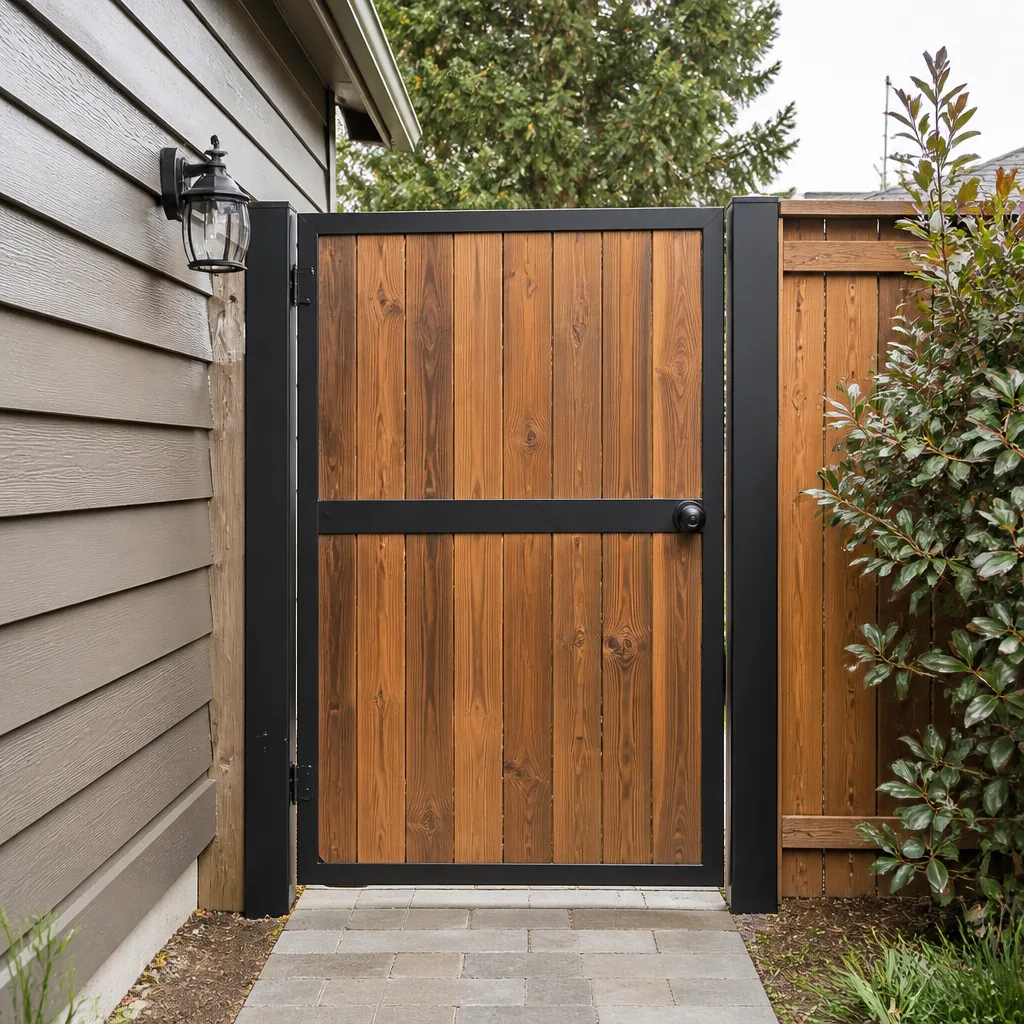 Wood & steel frame
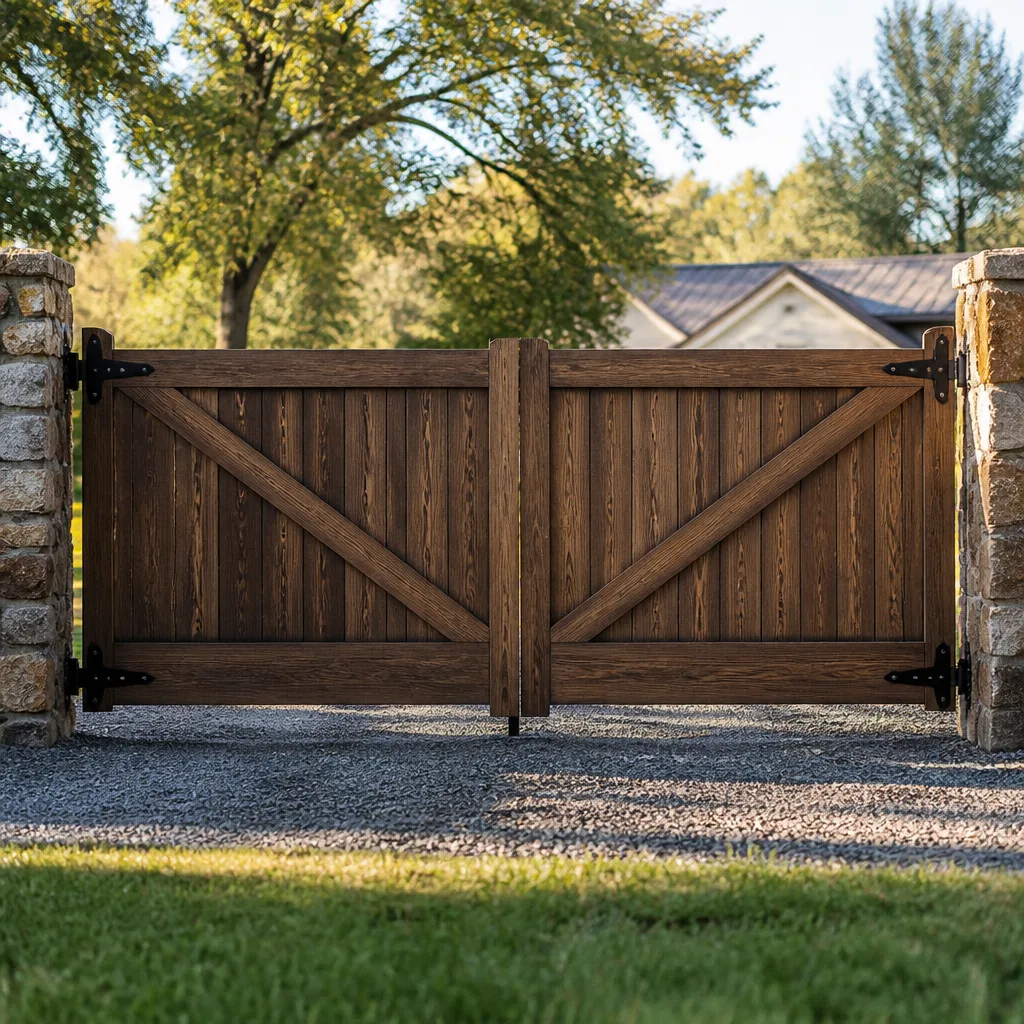 Farm & ranch
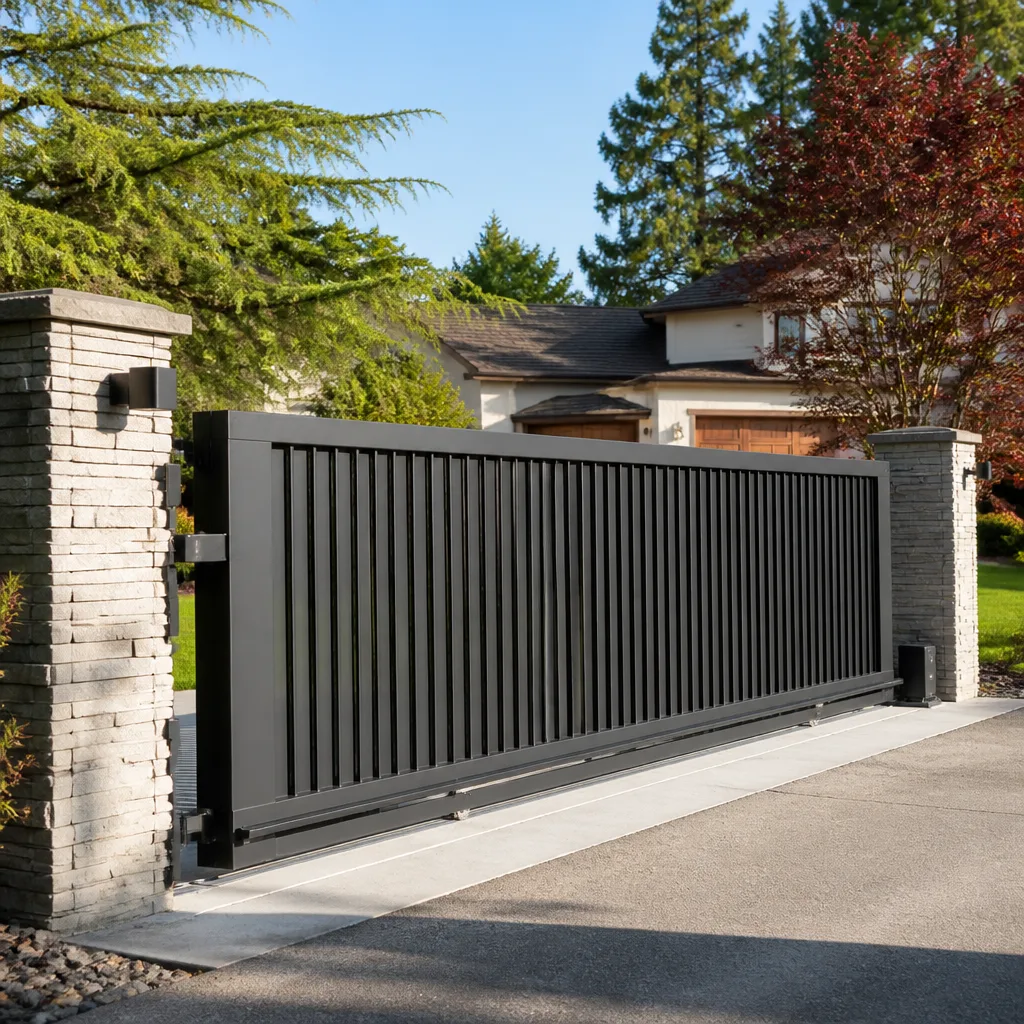 Sliding driveway gates
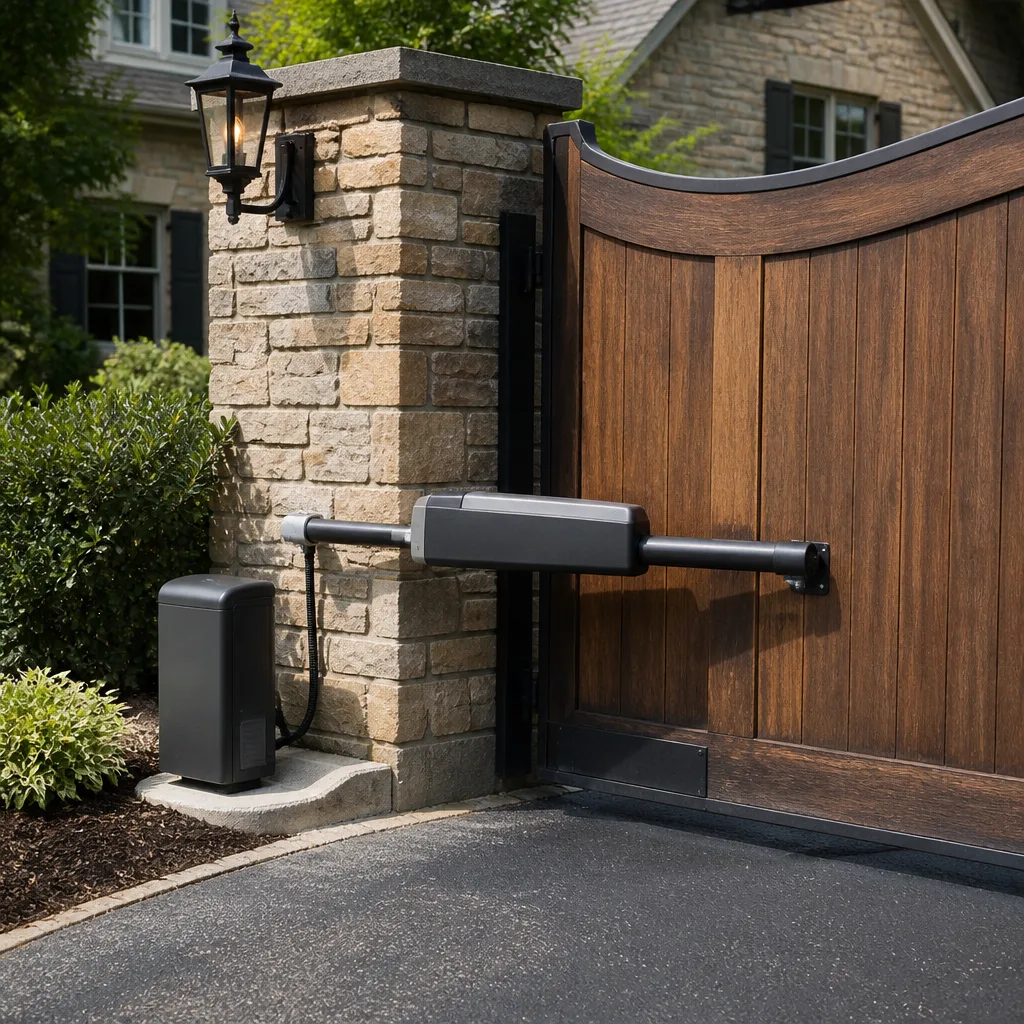 LiftMaster operators
Free on-site gate assessment - hinges, posts, and your LiftMaster or Nice gate operator checked before anything is quoted
The assessment is free and the quote is the invoice.
Get your free estimateGate Repair Troubleshooting in Avondale: Common Problems and How to Fix Them
The most common gate repair mistake isn’t the wrong fix. It’s fixing the right component on the wrong system mode. A gate that worked fine yesterday suddenly won’t budge after a power blip, and the owner starts replacing batteries, remotes, and eventually the operator itself, when the gate is simply sitting in manual release or stuck in a safety lockout nobody reset. We’ve walked into hundreds of these calls, and in our experience the fix is often a five-minute correction to something the owner never touched. What follows is how to read your gate’s symptoms the way a technician does: which five root causes actually account for most failures in Avondale, how the desert heat changes the rules, and how to tell an electrical fault from a mechanical one before you pick up the phone.
Quick Answer
Most gate failures in Avondale fall into one of five root-cause categories: power and control faults, safety-sensor faults, mechanical wear (rollers, hinges, tracks), operator motor or actuator failure, and access-control or code problems. The fastest diagnostic tool you have is the manual release. If the gate moves freely by hand once released, the problem is electrical or in the operator. If it still binds, the problem is mechanical. Identifying which category you’re in cuts diagnosis from hours of guessing to minutes.
Styles & brands we work with
- Wrought iron
- Wood & steel frame
- Farm & ranch
- Sliding driveway gates
- LiftMaster operators
Table of Contents
- The Symptom-to-Root-Cause Matrix
- How Avondale’s Heat Degrades Gate Operators
- The Manual Release Test: Your Best Diagnostic Tool
- Photo-Eye Misalignment: The Most Misdiagnosed “Broken Gate”
- When It’s Not the Operator: Access Control and Code Issues
- Electric Gate Failures vs. Manual Gate Failures
- Seven Steps to Diagnose Your Gate Before Calling
- What Wears Out First on an Avondale Gate
The Symptom-to-Root-Cause Matrix
Here’s the single most useful thing a gate owner can learn: symptoms are not random. Each behavior points to a specific subsystem. When you call for gate repair, being able to say “it opens but won’t close, and it beeps three times” tells a technician more than “it’s broken.” This matrix covers the symptoms we hear most in Avondale.
- Gate reverses mid-travel. Almost always a safety sensor. A photo-eye sees an obstruction (or thinks it does), and the controller reverses the gate for safety. Sometimes the eyes are dirty, misaligned, or blocked by a shrub; sometimes the sensor itself has failed.
- Gate beeps but won’t move. The operator is receiving the command but the controller is refusing to run the motor. Common causes: a safety input stuck open, a limit switch out of position, a control board fault, or the operator is in a lockout state after repeated obstructions.
- Gate opens but won’t close. In most cases this is a safety-loop or photo-eye issue on the close cycle specifically. In access-control systems, it can also mean the “close” signal from the controller isn’t reaching the operator, which points to wiring between the two.
- Gate moves slowly or stalls mid-travel. That’s usually mechanical load: worn rollers, a sagging hinge, a track obstruction, or a motor struggling against a bind. In Avondale’s heat, it can also be a capacitor failing or hydraulic fluid breaking down.
- Gate won’t respond to remote or keypad. Rarely the operator. Usually the receiver, the remote battery, the keypad wiring, or the access-control unit itself. This is the classic “it’s not the motor” call.
- Gate clicks but doesn’t move. The controller is trying to fire the operator, but the motor isn’t starting. On many LiftMaster and Linear residential operators, this points to a capacitor or a motor winding fault.
Which symptom matches your gate? That’s your category. Now the next question is whether it’s the operator’s fault or the gate’s. That’s what the manual release tells you.
How Avondale’s Heat Degrades Gate Operators
Avondale sits in the Phoenix metro’s west valley, and the summer heat is not cosmetic. Sustained temperatures above 110°F change how gate operators age. The components that go first in this climate are different from what fails in cooler parts of the country.
Limit switches drift
Limit switches tell the operator where the gate’s open and closed positions are. They’re electromechanical, and heat plus repeated thermal expansion gradually shifts their set points. A gate that “opens too far” or “closes short” in July is usually a limit switch that’s drifted, not a motor failing. This is fixable in a single visit.
Capacitors dry out
Start capacitors on AC motors are filled with an electrolytic solution that degrades faster in sustained heat. When a capacitor weakens, the motor loses starting torque, and the symptom looks like a struggling motor. On a LiftMaster or Linear residential operator, replacing a failed capacitor is often the entire fix.
Hydraulic fluid viscosity changes
Hydraulic swing operators, common on estate gates and heavier installations, rely on fluid viscosity to move the arm smoothly. High heat thins the fluid; low-speed operation worsens, and sometimes the arm “creeps” when it should hold. If your hydraulic gate moves sluggishly in summer and fine in winter, viscosity is a likely factor.
Control boards overheat
Control boards in outdoor enclosure boxes get significant heat loads. When a board has partially failed, the symptom can be intermittent: works in the morning, fails by afternoon, works again after dark. Intermittent operation with heat correlation is a control board signature, and it’s worth diagnosing properly before replacing the board.
None of this means your system is doomed. It means the diagnosis needs to account for heat. A technician who’s worked the west valley knows to check capacitors and limit positions first when the symptoms are heat-linked.
The Manual Release Test: Your Best Diagnostic Tool
Almost every automatic gate operator has a manual release: a lever, key, or crank that disengages the operator from the gate so you can move the gate by hand. Most owners know it as an emergency tool for power outages. It’s more useful than that. It’s the most reliable diagnostic in the whole troubleshooting process, because it splits every problem into two possible categories at once.
What the test tells you
- Disengage the operator using the release. Every operator does this differently; the owner’s manual has the exact procedure. Never attempt it while the gate is moving.
- Move the gate by hand through its full travel. Open to close and back. Slowly, paying attention to resistance.
- Observe. If the gate moves smoothly and freely by hand, the mechanical system (hinges, rollers, tracks, wheels, gate frame) is fine, and the problem is electrical or in the operator. If the gate binds, drags, scrapes, or wobbles, the problem is mechanical, and no amount of electrical troubleshooting will fix it.
Reengage the operator and note the state
When you reengage the release, watch what happens. Does the operator pick up the gate and move normally, or does it refuse to run? A gate that works fine by hand but won’t run when engaged confirms the problem is upstream of the gate itself: the operator, the wiring, or the controller. This is the single fastest way to stop guessing.
Some owners never reengage the release after a power blip because they don’t realize it’s still in manual mode. That’s why a gate can seem “broken” right after an outage when it’s actually in neutral. Check the release first any time the gate suddenly stops responding.
Photo-Eye Misalignment: The Most Misdiagnosed “Broken Gate”
If we had to name the single most common false alarm in the Avondale gate service calls we handle, it’s the photo-eye. The photo-eye is the safety sensor pair mounted on either side of the gate opening. One side sends an infrared beam; the other side receives it. If anything interrupts that beam, the operator refuses to close the gate, because closing on an obstruction is a safety failure.
When a monsoon windstorm rolls through Avondale and knocks the sensor mount a quarter-inch out of alignment, the beam no longer reaches the receiver, and the gate stops closing. The owner sees a gate that worked yesterday and won’t close today, assumes the operator has failed, and calls for emergency repair. In a large share of those calls, the operator is completely fine. The eyes are just slightly out of alignment or blocked by a stray leaf, a blown-in piece of debris, or a spider web.
How to check your photo-eyes
- Look for the two small sensors (often black boxes with a lens) mounted a few inches off the ground at the gate opening. Clean both lenses with a soft cloth.
- Check for anything in the beam path: leaves, twigs, weeds, toys, or debris blown in by wind.
- Most photo-eye units have an indicator LED that lights when the beam is received. Check whether it’s steady or flickering; a flicker indicates intermittent reception.
- If the mounting looks visibly tilted or loose, the alignment can drift, but don’t try to bend a mount by hand. Small adjustments are made at the sensor, not the arm.
If a clean and debris-clear doesn’t fix it, the sensor itself may have failed, or the wiring to it may have a break. That’s a proper service call, and it’s usually a quick one. It’s also worth noting: sensor failure is not brand-specific. We’ve seen it on LiftMaster, BFT, FAAC, and every other system, because the sensor problem is about the environment, not the operator.
When It’s Not the Operator: Access Control and Code Issues
Not every “gate won’t open” call is about the gate. On commercial properties, HOAs, and multi-tenant access systems, the gate is often the last link in a chain of equipment. Before the operator moves, a signal has to travel from a keypad, an intercom, a card reader, a loop detector, or a central access-control panel. If any link in that chain fails, the gate doesn’t move, and the visual symptom is identical to an operator failure.
How to tell the difference before calling
- Does a remote or interior button still work? If the gate opens from the remote but not from the keypad or intercom, the operator and the gate are fine. The problem is the access-control side: keypad, intercom wiring, reader, or the controller. If nothing works, the problem is more likely the operator or the power.
- Does the keypad or intercom light up and respond? If the keypad is dead, that’s an access-control power issue, not a gate issue. If it lights up but the gate doesn’t open, the signal is being rejected, which usually means code, credential, or wiring.
- Are other tenants affected? If one entry code works and another doesn’t, the gate is fine. That’s a code problem on the access-control panel. If nobody gets in, it’s a system-level signal or wiring issue.
- Is there a loop detector? Loop detectors are buried wire loops in the driveway that detect a vehicle. A failed or mis-tuned loop looks exactly like a dead operator: nothing moves. Commercial systems using FAAC or BFT operators very commonly have loop detectors, and a loop that’s stopped detecting is a fixable, specific problem.
Knowing which side of the signal chain failed saves the diagnostic time and prevents a technician from arriving at your property expecting an operator repair when the actual problem is in the keypad or the loop. When you call for electric gate repair, describe what still works. That’s the fastest clue we can get.
Electric Gate Failures vs. Manual Gate Failures
An electric gate and a manual gate fail in different ways, and the troubleshooting approach is completely different. Electric gates have an operator, a controller, sensors, and power. Manual gates have only the physical mechanism: hinges, wheels, tracks, latches, and the gate frame itself. Knowing which you have narrows down the entire diagnostic tree.
Manual gate troubleshooting
Manual gate problems are almost always mechanical. A gate that drags on the ground is a hinge problem, a wheel problem, or a sagging post. A gate that won’t latch is a strike alignment or gate-position issue. A gate that wobbles is a hinge or frame issue. The most reliable check for a manual gate is to physically move it through the full swing and watch for scraping, dragging, or resistance. A well-hung manual gate should move with light hand pressure and no noise.
Electric gate troubleshooting
Electric gate failures split along the manual release test. If the gate moves freely by hand, the operator is the problem. If it binds, you have both a mechanical and an operator consideration, because the operator has been straining against the drag. The best course of action in that case is to fix the mechanical drag first, then test the operator, because a dragging gate will eventually burn out the operator too if the drag is not addressed.
The crossover case
Many electric gates have an emergency release in case of power failure, and the release mechanism itself can fail. If your electric gate is stuck and the manual release won’t engage, that’s not a power problem at all; it’s a mechanical failure within the operator’s release coupling. This is the situation where things look electrical but the root cause is a worn release pin or a stripped release gear. A technician familiar with the specific brand resolves it quickly.
Seven Steps to Diagnose Your Gate Before Calling
Here’s how to approach a gate problem systematically. Every step is safe to perform without specialized training, and every step gives a technician more specific information when you make the call. If anything requires opening a panel, working on wiring, or interacting with live power, stop and leave it for the technician.
- Check the power. Is the operator’s supply breaker tripped? Is the controller power indicator lit? If the whole system is dead, start here.
- Check the manual release. Confirm the operator isn’t sitting in manual release mode. Power blips, unintended release-key bumps, and recent maintenance can all leave the release disengaged.
- Look at the photo-eyes. Clean the lenses, clear debris from the beam path, and check the sensor indicator LEDs. This is the number one fixable cause of “won’t close” calls.
- Look for loose or damaged hardware. Check the gate for obvious damage: bent hinges, hanging rollers, a gate panel that’s noticeably off-square, or a broken latch. Mechanical damage is a mechanical call.
- Try a different control. If the remote doesn’t work, try the wall button or keypad. If the keypad doesn’t work, try the remote. What works and what doesn’t tells you where in the system the fault is.
- Listen. Does the operator make any sound at all when you activate it? A click means it’s getting a signal. Humming means the motor is trying to start. A beep pattern often indicates a specific fault code; check your operator manual.
- Note the symptom pattern. Intermittent? Heat-related? Always the same direction (open vs. close)? All the same error? Write this down. It’s the single most useful thing you can bring to a service call.
If those seven steps turned up the answer, great. If they’ve narrowed it to a specific subsystem but you can’t proceed safely, that’s the right moment to call a specialist. We answer 24/7 and can help you diagnose over the phone before dispatch.
What Wears Out First on an Avondale Gate
Every gate system has components that take more stress than others. Knowing which ones age first in the west valley heat and dust gives you an idea of what to look at when the gate starts acting strange. In our experience servicing gates throughout Avondale, these are the parts that come up again and again.
- Photo-eyes and their wiring. Alignment drift after wind, wiring degradation in sun-exposed runs, and lens dust are constant themes. This is a system component, not a gate component, and it fails on every brand.
- Rollers and hinges on sliding gates. Avondale’s airborne dust gets into roller tracks and hinge pins. Over time, roller bearings dry out and slide gates begin to drag. Rollers are cheap parts with a significant cumulative effect on motor load.
- Limit switches in the operator. Heat drift on the set positions. Gate opens too far and slams the physical stop, or stops short on close.
- Start capacitors. The motor-specific component most heat-sensitive. Symptom: operator clicks or hums but doesn’t spin the motor.
- Control board relays and terminals. Boards eventually develop solder cracks and relay wear. Symptom: intermittent operation after long use or heat soak.
- Batteries on battery-backup operators and remotes. Backup batteries in operators degrade in heat. A remote that “works sometimes” is often just a dying battery.
- Hydraulic fluid on swing operators. Viscosity drift over seasons, plus seal wear. Symptom: slow motion or arm sag under load.
None of these things fail instantly or unpredictably. They fail after a known amount of service life in this climate. If your gate is showing the early symptoms of any of these, a scheduled service call replaces a component before it strands the gate. That’s cheaper than the emergency repair that follows.
Common Mistakes to Avoid
- Replacing the operator when the photo-eyes are the problem. This is the single most expensive mistake we see. The symptom is a gate that won’t close, and the operator is the visible component, so owners assume the operator has failed. In most cases it’s an alignment or sensor issue. Test the photo-eyes before you assume the operator is gone.
- Forcing a gate through a mechanical bind. When a gate drags, pushing through the resistance by hand can seem to work, but you’re stressing hinges, rollers, and the gate frame. On an electric gate, it also spikes the current through the motor and can damage the controller. If the gate binds, stop and diagnose, don’t force it.
- Assuming a post-outage “dead” gate needs an electrician. After an Avondale power blip, the first thing to check is the manual release. Many “dead gates” are simply sitting in manual mode because someone, or something, disengaged the release and didn’t reengage it.
- Ignoring intermittent symptoms until they become permanent. A gate that “sometimes” fails to open is giving you the diagnostic window you’ll lose when it becomes a full failure. Intermittent = stop running and start diagnosing.
- Trying to reset a control board without knowing the fault codes. Random button-pushing on a controller can change settings you don’t want changed. Check the operator manual for how to read fault codes correctly.
- Attempting to work on the operator’s wiring or power supply. Wiring and power in a gate operator live in an outdoor enclosure. If you don’t have specific training, do not open that enclosure. The danger from a live conductor is real and current, and no repair is worth a burn or a shock.
- Hiring a general handyman for an access-control problem. A generalist can fix a sagging hinge but can’t diagnose a FAAC or DoorKing access-control board, a loop detector, or an intercom wiring fault. That’s a specialist’s job.
See the difference
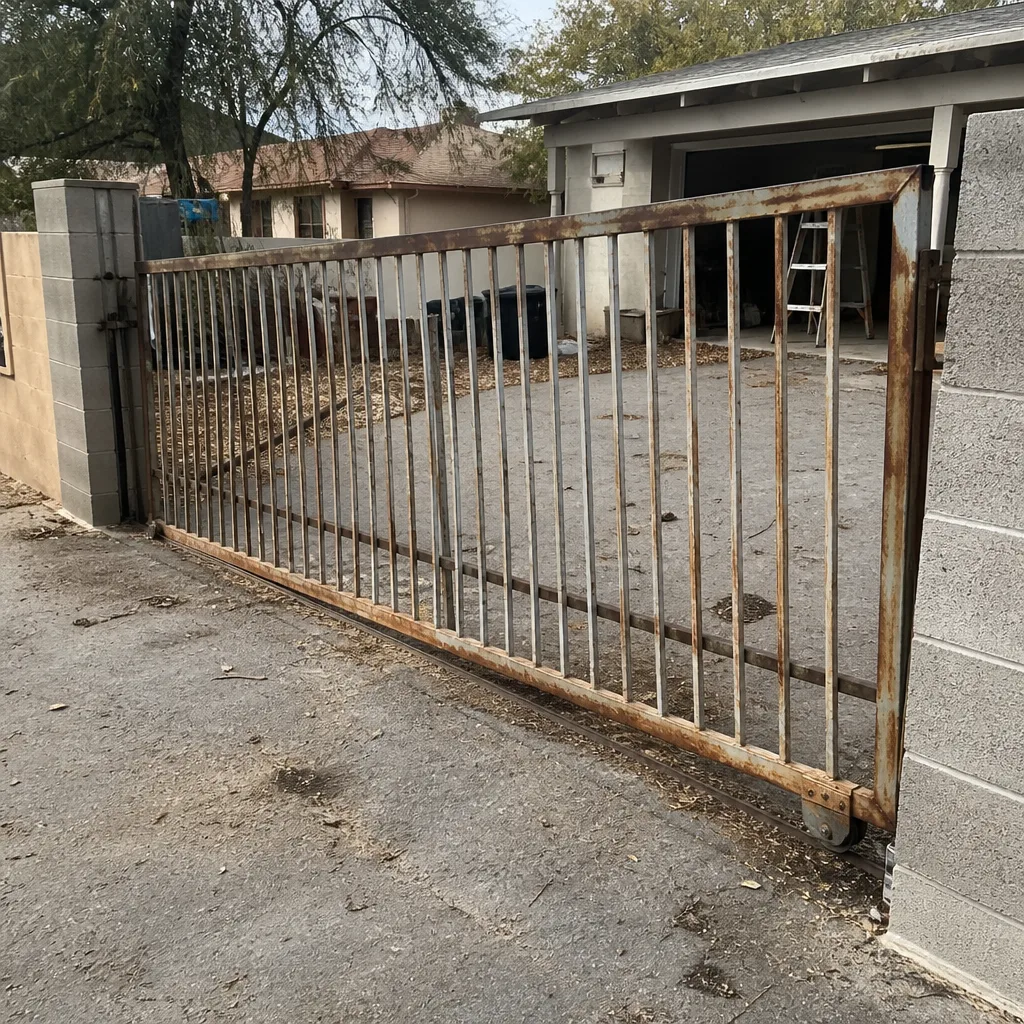 Before
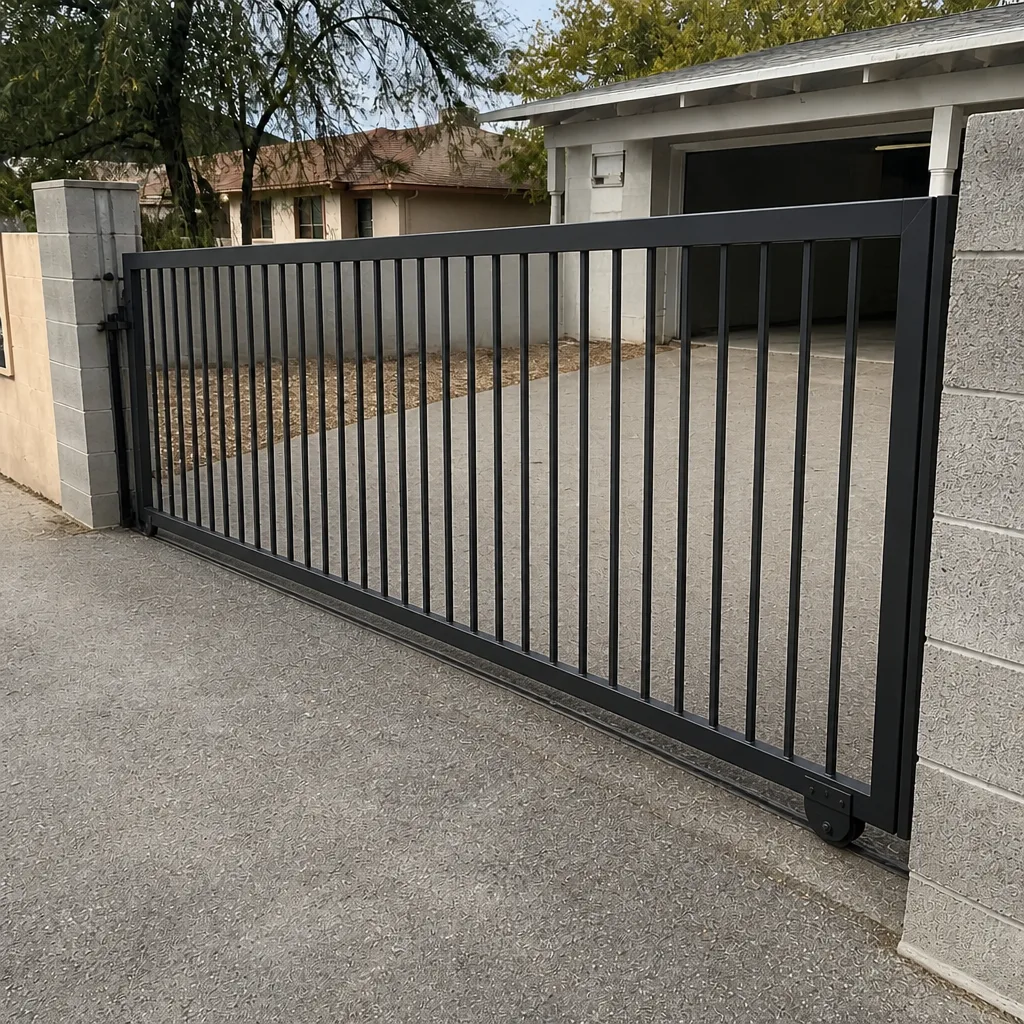 After
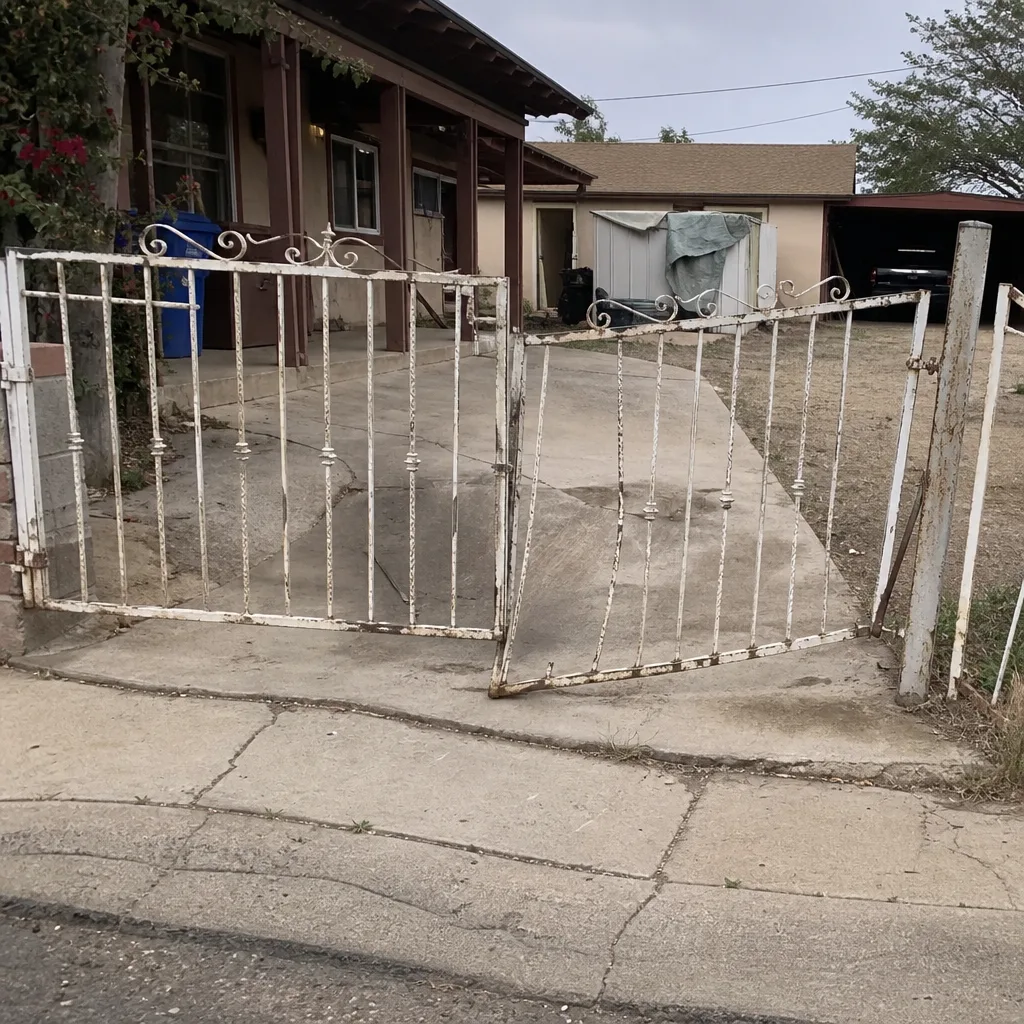 Before
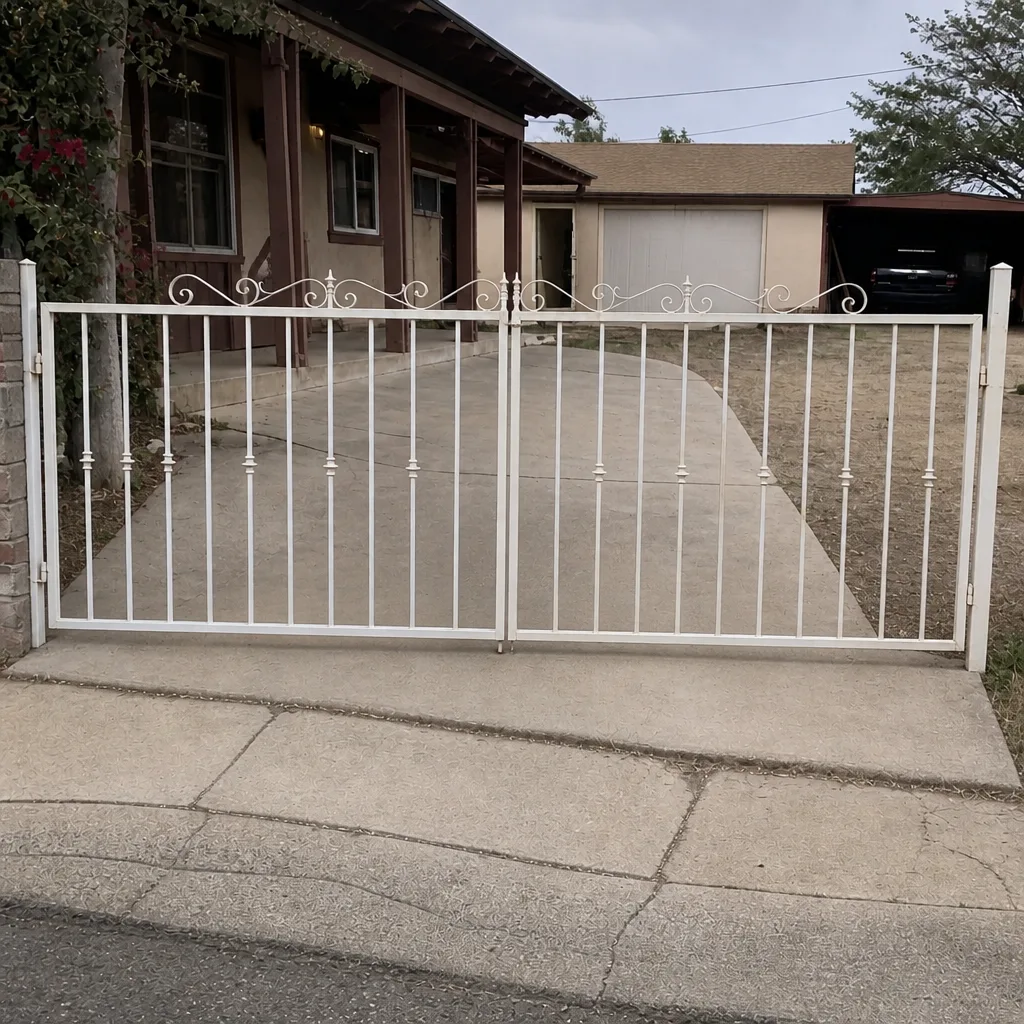 After
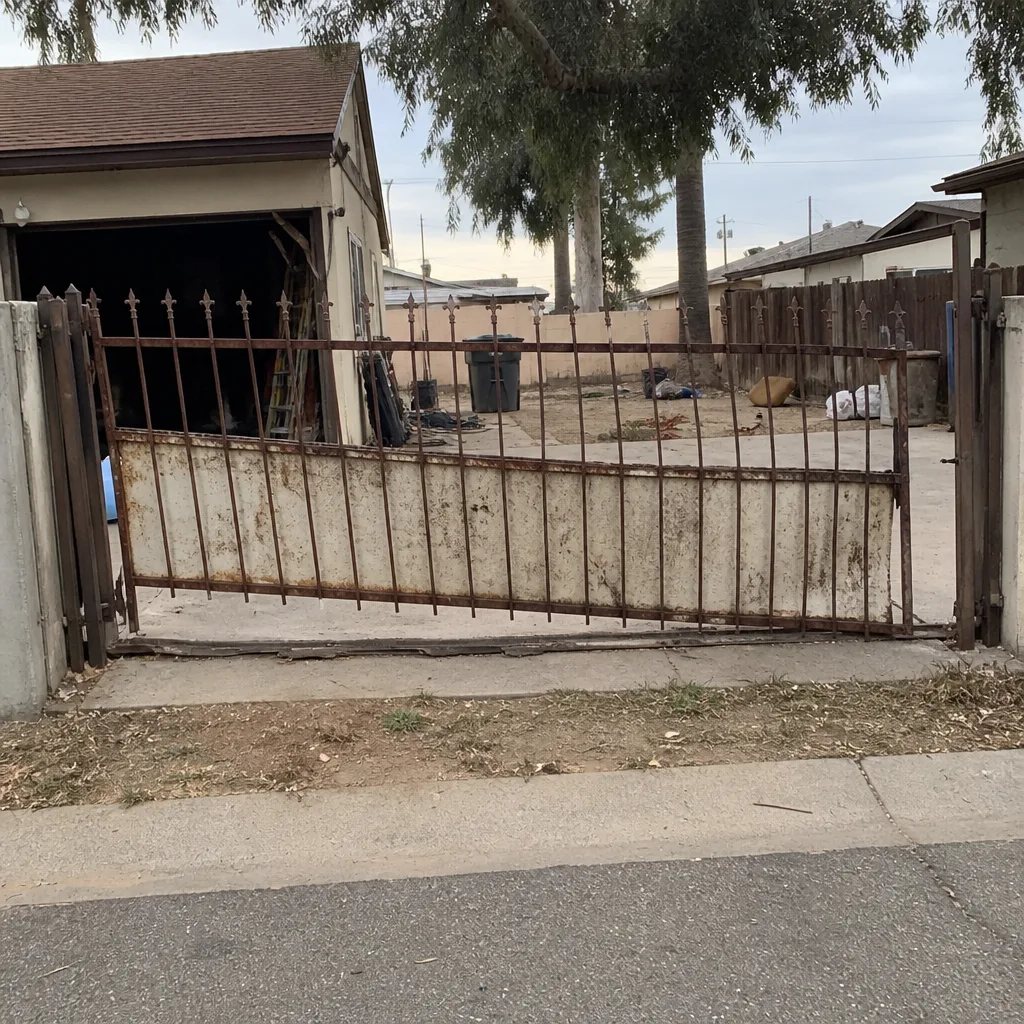 Before
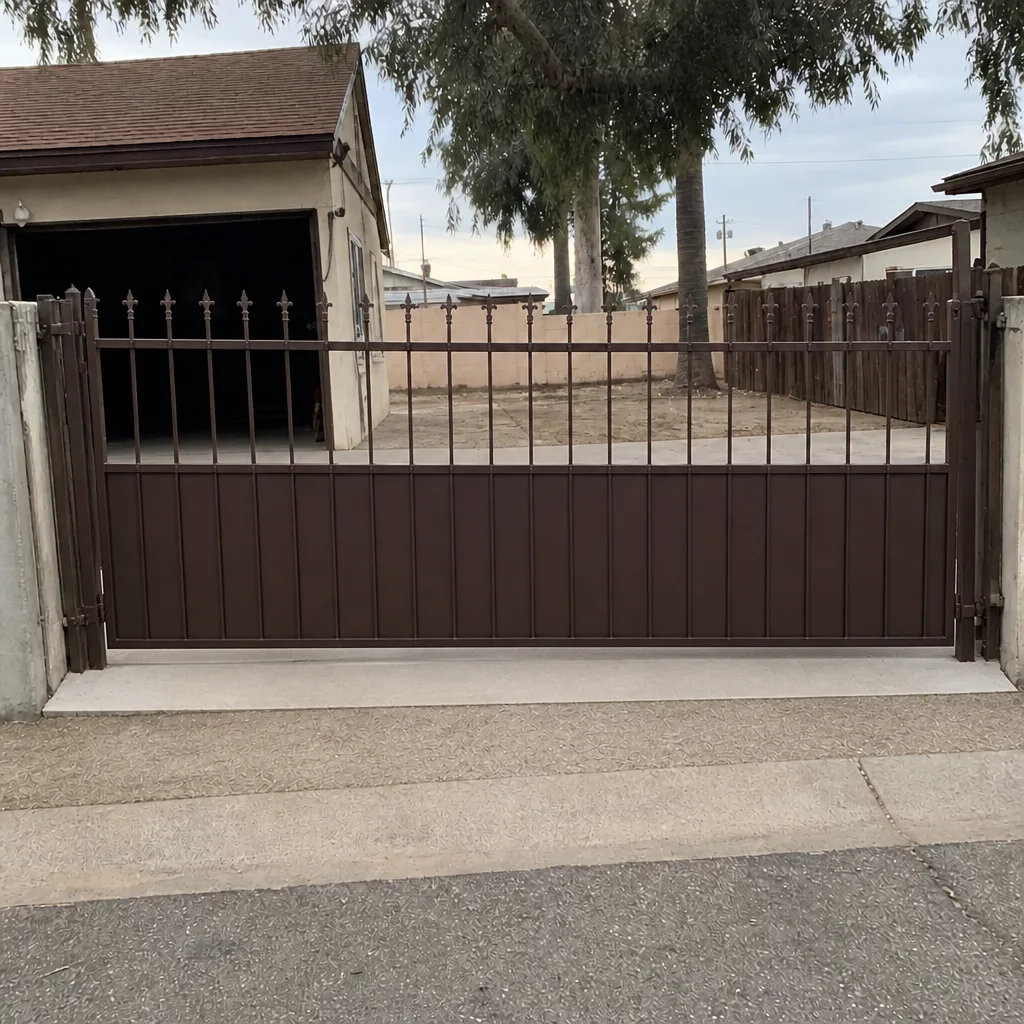 After
When to Call a Professional
Some gate repairs are safe for a homeowner to attempt. Cleaning a photo-eye or reengage a manual release are both easy and reversible. The situations below are where a specialist saves time and avoids risk.
- The gate binds or drags when moved by hand, and the cause isn’t obvious.
- The operator won’t run after the manual release test confirmed the gate moves freely.
- The controller shows a fault code you can’t resolve from the manual.
- Any sign of damage to wiring, the power supply, or the operator enclosure.
- Access-control problems: keypad, intercom, card reader, loop detector, or the control panel.
- Commercial systems, HOAs, or any multi-tenant access-control installation.
Gate Repair Avondale offers free estimates in Avondale. Call (866) 361-9597. We answer 24/7 and can often diagnose over the phone before dispatch. Fast dispatch from 7am to 7pm, Sunday through Friday.
Frequently Asked Questions
The most likely cause is a photo-eye safety sensor fault. The sensor pair on either side of the gate opening has an infrared beam, and if that beam is interrupted, blocked, or misaligned, the operator refuses to close the gate for safety. Clean the lenses, clear debris, and check the sensor LED indicators. If that doesn’t resolve it, the sensor itself or its wiring has likely failed. Call (866) 361-9597 for a proper diagnosis; estimates are free.
If your gate suddenly stopped responding, check the manual release first. A gate that’s been left in manual mode after a power blip or an accidental release lever bump will not respond to remote or keypad commands, even though nothing is mechanically wrong. If the release test shows the gate moves smoothly and the operator still won’t run when reengaged, you have an operator or power fault. Call (866) 361-9597 and describe what changed; we can often narrow it down over the phone.
Yes. Sustained temperatures above 110°F in Avondale accelerate the aging of specific operator components, especially start capacitors, limit switch set points, hydraulic fluid viscosity, and control board relays. The common symptoms are intermittent operation (works in the morning, fails by afternoon), sluggish motion in summer that resolves in winter, or a gate that stops short of its limits. If your gate has any of these patterns, call (866) 361-9597 and mention the heat link. It narrows the diagnosis.
The simplest test: try a second control. If the gate opens from the remote but not from the keypad, the operator and the gate are fine, and the fault is in the access-control side (keypad, intercom wiring, or the controller). If nothing works, the operator or power supply is more likely. On commercial systems with FAAC, BFT, or DoorKing access-control boards, this rule of thumb works just as well. Call (866) 361-9597 for a specialist diagnosis if it’s not a simple remote battery.
Resetting the operator depends on the operator. If your manual explains the reset procedure for a fault code and doesn’t require opening the enclosure, it’s usually safe to try. If the reset procedure requires opening the operator’s electrical box, powered wiring, or adjusting limit switches beyond the manual’s instructions, do not attempt it. The electrical components in a gate operator enclosure are genuinely dangerous, and a planned service call is always safer than a shock.
Most common repairs are completed in a single visit when the problem is a photo-eye, capacitor, limit switch, manual release, or a straightforward mechanical fix. Access-control boards and hydraulic operator work sometimes require a second visit to source or confirm parts. We offer free estimates, and the price is quoted and agreed before any work starts so there are no surprises. Call (866) 361-9597 to book.
The Bottom Line
Gate repair troubleshooting in Avondale comes down to reading symptoms the way a specialist does. The manual release test tells you whether the problem is mechanical or electrical. The photo-eye is the most misdiagnosed “broken gate” call in the Phoenix metro, especially after monsoon wind. Avondale’s summer heat specifically accelerates limit switch drift, capacitor failure, and hydraulic fluid degradation, so a “summer-only” symptom is usually one of those three. Nine brands means the same specialist team handles a Mighty Mule driveway operator and a DoorKing commercial access system, without sending you to a generalist who doesn’t recognize the board. If your gate needs attention beyond the safe troubleshooting steps above, call. Gate Repair Avondale works on the brand you already have, from the motor to the panel, and we’ll diagnose before we replace.
For gate repair, electric gate repair, or new gate installation anywhere in Avondale, call (866) 361-9597. We answer 24/7. Fast dispatch from 7am to 7pm, Sunday through Friday. Estimates are free, the price is quoted and agreed before work starts, and our technicians have up to 12 years of experience.
Written by the team at Gate Repair Avondale.